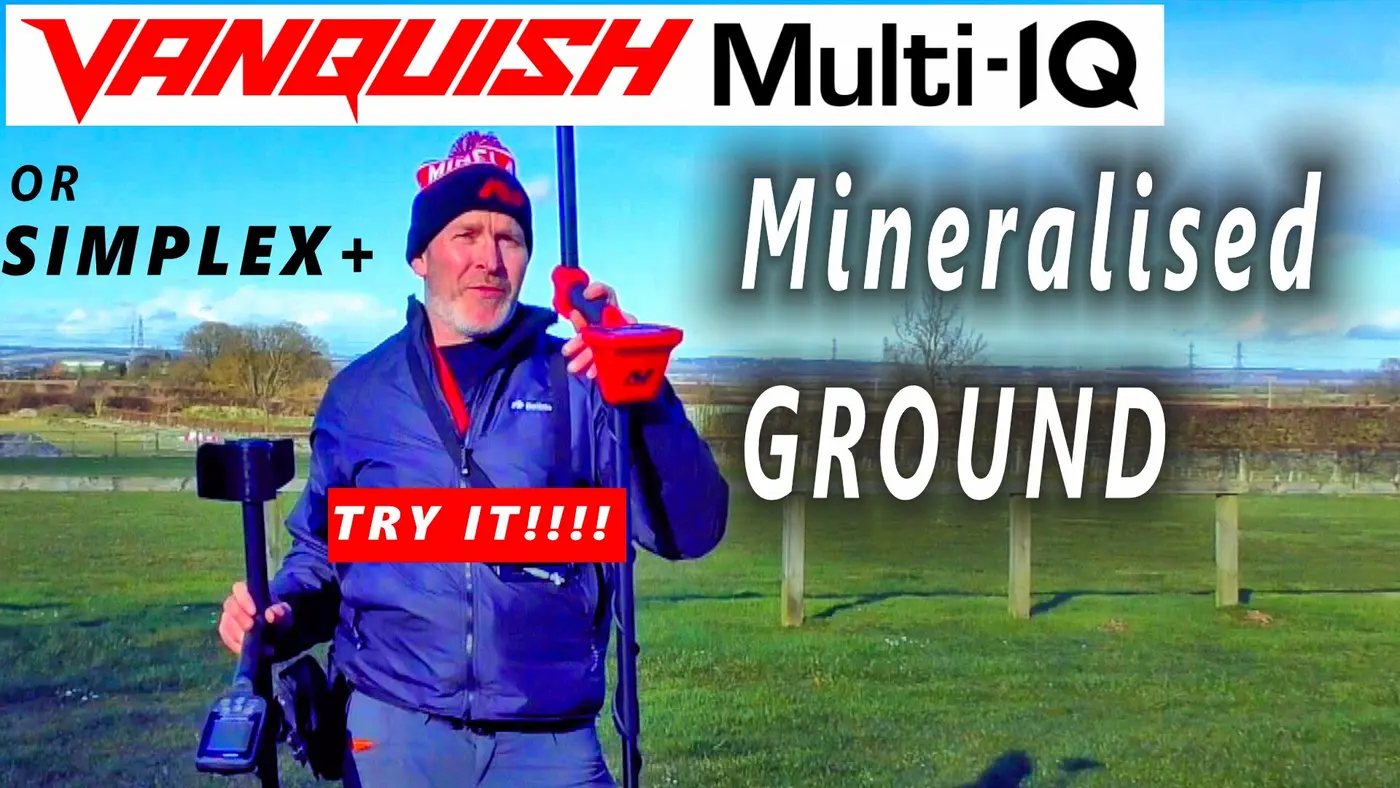
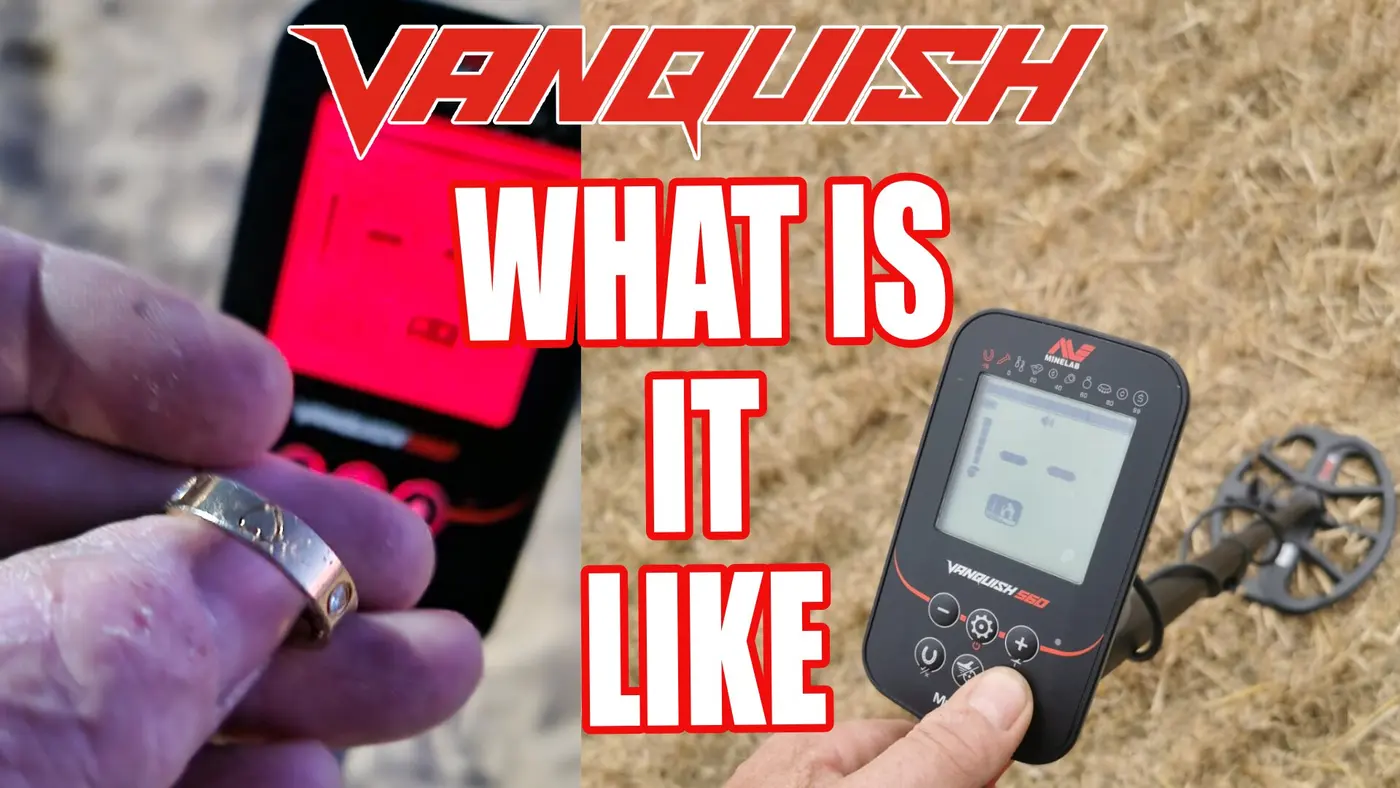
How to Set Up Minelab Vanquish 60 Series: Expert Settings & Guide Tutorials
Meta Description: Master your Minelab Vanquish 60 series with our setup tutorial guide. Learn the best sensitivity, discrimination, and Multi-IQ settings for beach, field, and relic hunting to maximize your depth and finds.


Minelab Vanquish 60 Series settings.
1. How to Set Up Sensitivity & Discrimination
Don't let chatter ruin your hunt. Learning to balance your sensitivity and discrimination is the key to deep, clear signals.
Sensitivity: We show you how to run your machine "hot" without it becoming unstable. Learn when to max it out for depth and when to dial it back to stop false signals in mineralized soil.
Discrimination: Stop digging pull tabs and iron nails. We explain how to customize your discrimination segments to ignore the junk while keeping the gold and silver tones clear.
Terrain Tactics: Beach vs. Fields
The Multi-IQ engine handles different grounds automatically, but your mode selection matters.
In the Fields: Learn how to set up for Relic Hunting, allowing you to hear deep silver and brass targets that other modes might mask out.
Minelab VANQUISH 60 Series
The Ultimate Beginner’s Field Guide
By Paul Cee Crawfords Metal Detectors UK
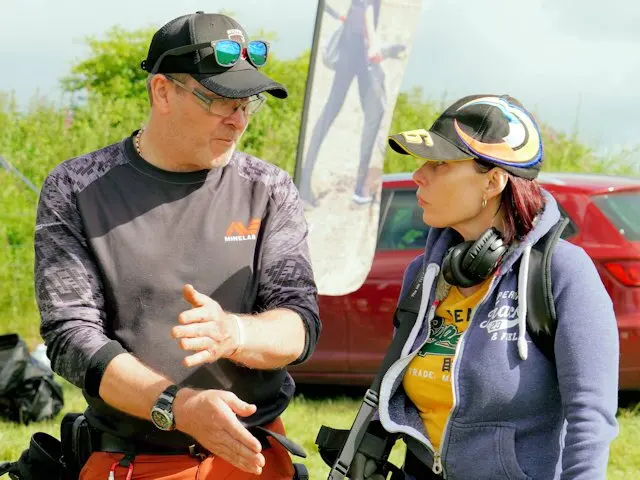
Welcome to the definitive guide for the Minelab Vanquish 60. Whether you are unboxing your machine for the first time or looking to sharpen your field skills, this guide—created by Minelab Detexperts Paul Cee and Luc Van Assche—is designed to turn confusing numbers into treasure in your pouch.
💡 Paul Cee’s Golden Rule
"A quiet machine is always more efficient than a noisy one. Never chase high sensitivity if it causes chatter—you’ll only end up missing the very targets you're looking for."
This Series of Tutorial Videos for the Minelab Vanquish is in Several Parts, Covering everything, to get you started with a Vanquish 60 series, or if you run into a settings issue and need a solution.
 Minelab Vanquish 60 Beginners Guide, All you need to know. V360 v460 and v560
📊 Sensitivity
Higher sensitivity increases "reach," but amplifies ground noise. If the machine chatters, it drowns out the tiny whispers of deep targets.
🧲 Discrimination
This filters out "junk" like nails. Be careful: blocking iron can "mask" a silver coin if it's sitting right next to a rusty nail.
Target ID
The main digital readout. Silver and coins show higher numbers.
Depth
Shows how deep you need to dig. Fewer arrows mean a shallower find.
This Tutorial Video will show you all About.
- What Are Target Id's
- How to use Sensitivity
- What Headphones you can use with the Vanquish 60 Series
- How to pair and connect Bluetooth headphones
- Connecting Underwater (Waterproof Headphones)
 Minelab Vanquish Tutorial, What Are Target Id's and sensitivity
Your Setup Checklist
Target ID & Tone Audio
Audio Tone Pitch
Low Grunt (Iron) Mid Range High Pitch (Conductive)
Crawfords Metal Detectors • Paul Cee Expert Series
🛒 Check Current Prices at Crawfords MD
Authorized Minelab Dealer • UK Stock • Free Delivery over £50
🔥 Save MONEY on Accessories
Buying a new coil, bag, or digging tool? Use my code at Crawfords MD for an exclusive discount!
PaulCee10
Valid Online, In-Store & by Phone.
(Applies to accessories only. Excludes metal detectors.)
Gear mentioned in this guide (Crawfords MD)

Buy at Crawfords MD
Minelab Vanquish 560 Pro
Check price & stock- Compare at Crawfords
- First look: Vanquish 560

Buy at Crawfords MD
Minelab Vanquish 540 Pro
Check price & stock- Compare at Crawfords
- 540 vs 560: what changed
Buy at Crawfords MD
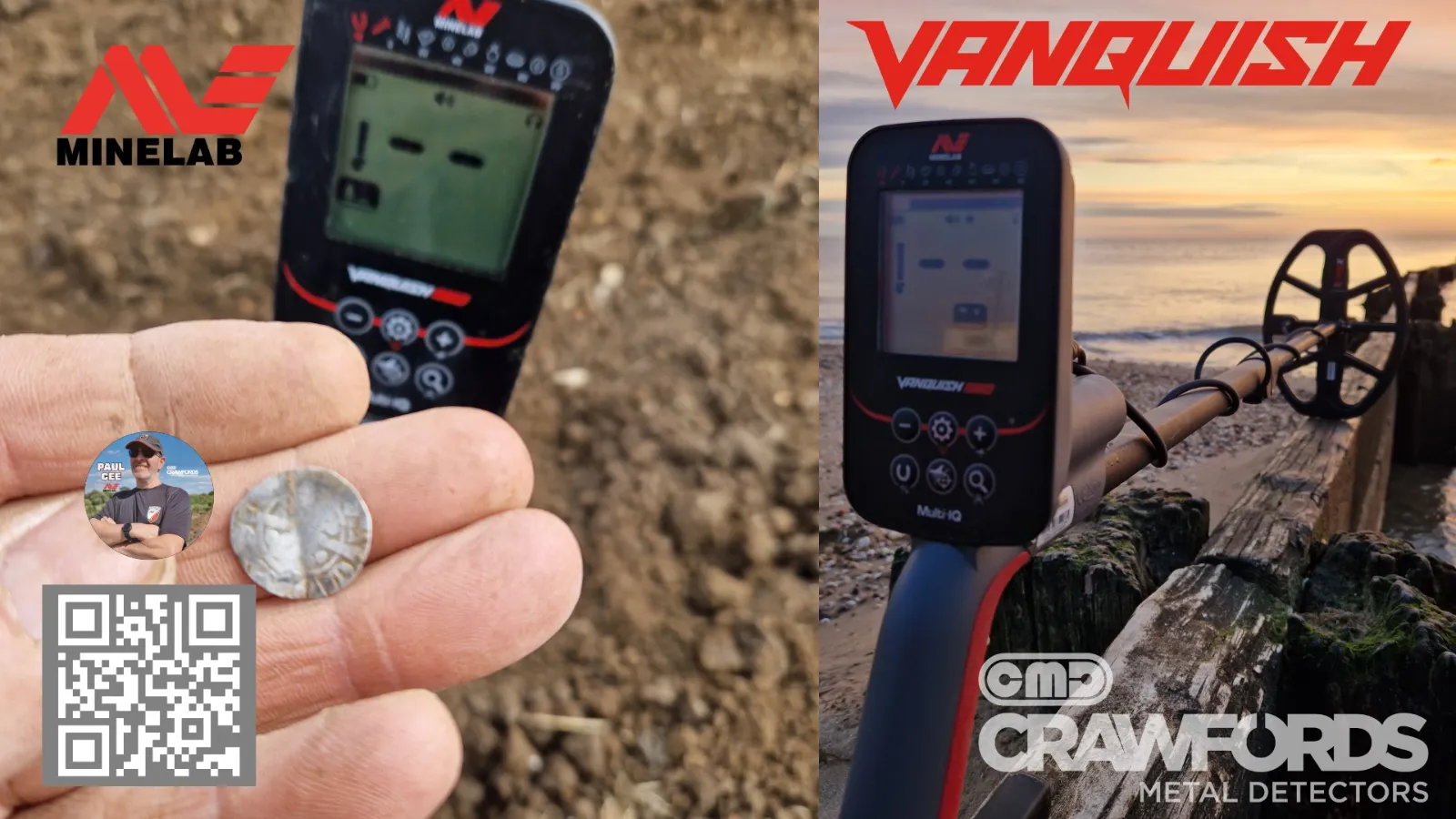
Vanquish 60 series
Check price & stock- Compare at Crawfords
- Vanquish 460
- Vanquish 560
- Vanquish 560 Pro-Pack