How to Pair Minelab ML-105 Headphones with the Manticore
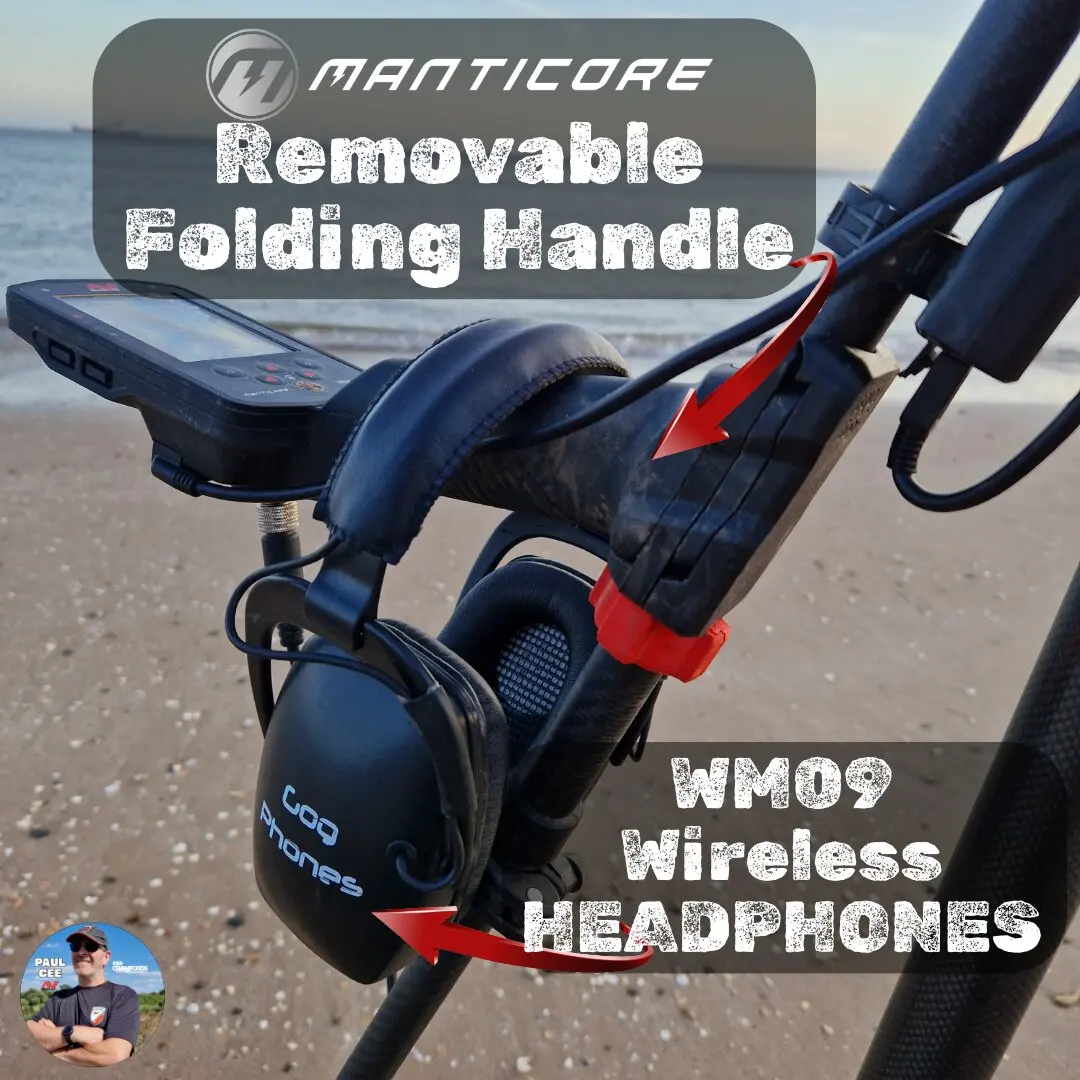
The ML-105 wireless headphones come included as standard with your Minelab Manticore and should be within 1 metre / 3 feet of the detector during pairing.
- Set Headphones to Pair: Ensure the headphones are OFF. Press and hold the Multi-Function Button (Power) on the side of the headphones for 2 seconds until the Status LED flashes red and blue rapidly.
- Set Manticore to Pair: On your detector control pod, press and hold the Wireless Button (top right) for 2 seconds until the Wireless icon at the top of the LCD screen flashes rapidly.
- Confirm Connection: The headphones will beep, the Manticore wireless icon will stop flashing and stay solid, and the headphone LED will flash blue once every 3 seconds.
💡 Troubleshooting Tip: If the ML-105 headphones won't pair, perform a Factory Reset: with the headphones OFF, press and hold the Power button for 10 seconds until you hear 2 beeps and the LED flashes pink twice. Release the button and repeat steps 1 and 2.
Minelab Manticore All-Terrain Search Modes Explained
Best For: Parks, pasture, ploughed fields, ruins, and woodland.
Note: All-Terrain Fast and All-Terrain Trash Reject share the core processing of All-Terrain General with adjusted recovery and discrimination defaults. You can also save your own tweaks into custom search profiles for different sites.
- All-Terrain General: The best "turn-on-and-go" mode. It balances target separation and depth—start here whenever you arrive at a new site.
- All-Terrain Fast: Built for trashy parks and heavy "iron carpets." It increases recovery speed to separate good targets (like coins) sitting right next to iron nails.
- All-Terrain Low Conductors: Uses Frequencies more suited for small, thin, low-conductive targets such as hammered silver coins, small jewellery, and fine gold chains.
- All-Terrain High Conductors: Tuned for large silver coins and chunky copper relics, Favouring the LOW Frequencies, hitting hard on Deeper high conductors.
- All-Terrain Trash Reject: Uses heavy discrimination to silence aluminium foil and pull-tabs *(use with caution, as mid-conductive gold rings can also be rejected)*.
💡 Manticore Pro Tip: Don't be afraid to switch modes mid-session! If you're detecting a field in All-Terrain General and hit a dense patch of iron trash, switch straight to All-Terrain Fast you'll instantly hear the target separation sharpen up. This can be done by having 2 profiles saved and switching between them.
Check out some of the Manticore videos, Minelab and CMD created to help with your Manticore.
 Minelab Manticore getting started guide
 Minelab Manticore Search Modes Explained
 Minelab Manticore Audio settings
 Minelab Manticore Recovery speed and stabilzer explained, by Minelab and Detexperts
 Minelab Manticore false signals and EMI
 Minelab Manticore Discrimination Explained, By Minelab Detexperts
 Minelab Manticore Best Settings
 How to pair Manticore Headphones, what problems and how to solve them

Gear mentioned in this guide (Crawfords MD)
Buy at Crawfords MD
Minelab Manticore
Check price & stock- Compare at Crawfords
- Equinox 900 vs Manticore
- Manticore vs XP Deus 2
- Top Manticore accessories